
Integrations · Projects & tasks
ClickUp, kept current by your AI teammate.
Tasks created from the channel, statuses moved as work ships, the client's list kept honest without anyone updating it by hand.
 ClickUpYour AI teammate manages tasks and status in ClickUp.ClickUp connected
 ✓Building the plan in ClickUp
 Verde launch
A project plan from one sentence.
Say the outcome and the deadline. Your usual steps become tasks with owners and dates, and the team sees them where they already work.
One sentence in, a plan out.
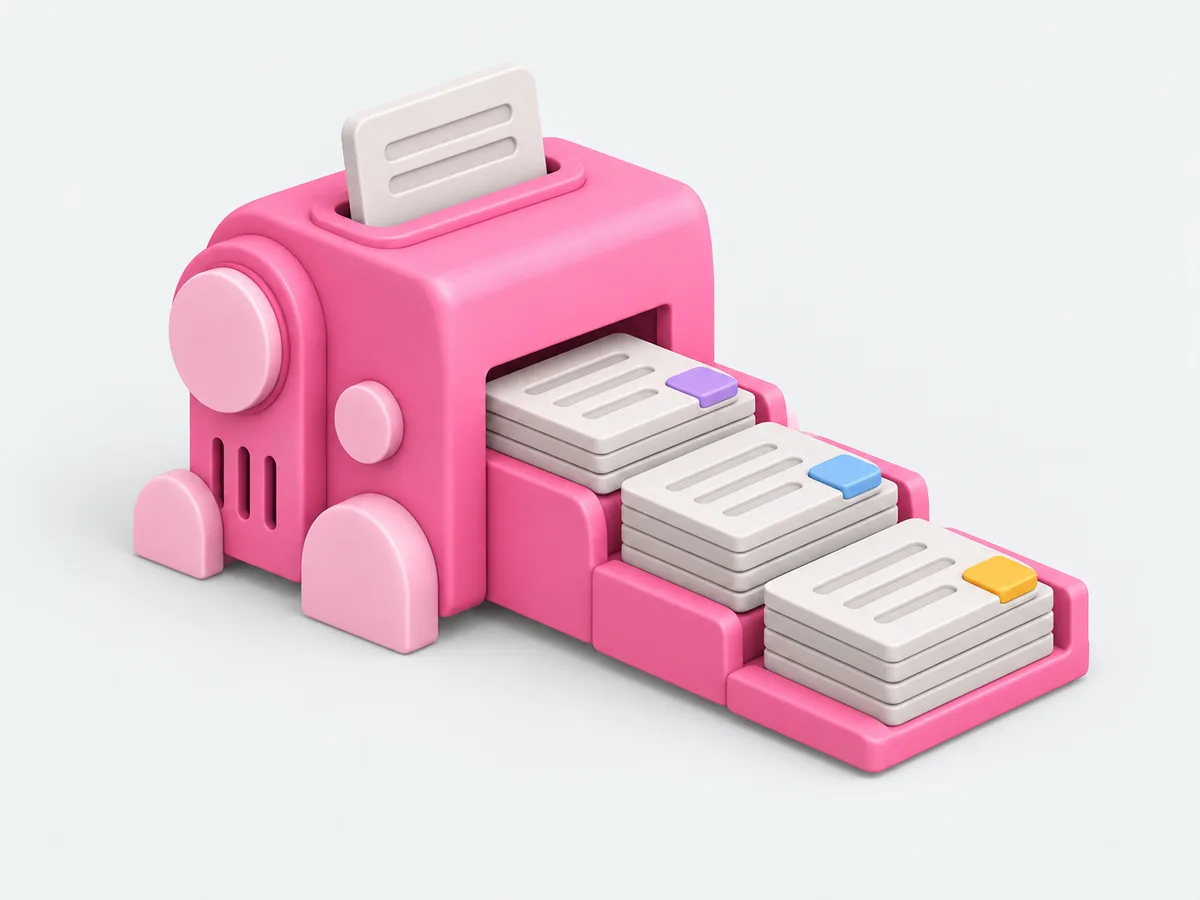
What an AI teammate does with it.
Reading and reporting from day one. Actions that change something wait for your yes on that job.
- Creates tasks with the details from the thread
- Moves statuses as work ships
- Posts the sprint or week summary
- Flags stuck tasks
- Logs time where you ask it to
In the client's channel.
Fictional clients. Real shape of the work.

Live in three steps.
No integration project. A minute, and the AI teammate is working.
Find it
Pick the tool from the list, or ask the AI teammate to connect it.
Place it
With the whole firm, with one AI teammate, or with one client. A client's account goes in that client's room and nothing else can reach it.
Done
The AI teammate gets to work and reports back. Change or remove the connection any time.
Questions people ask.
Which spaces can it see?
The ones the connected account shares, and a client's space connected to that client's room is visible only there.
Can the client create tasks by asking in Slack?
Yes. A request in the client channel becomes a task, for your team to confirm.
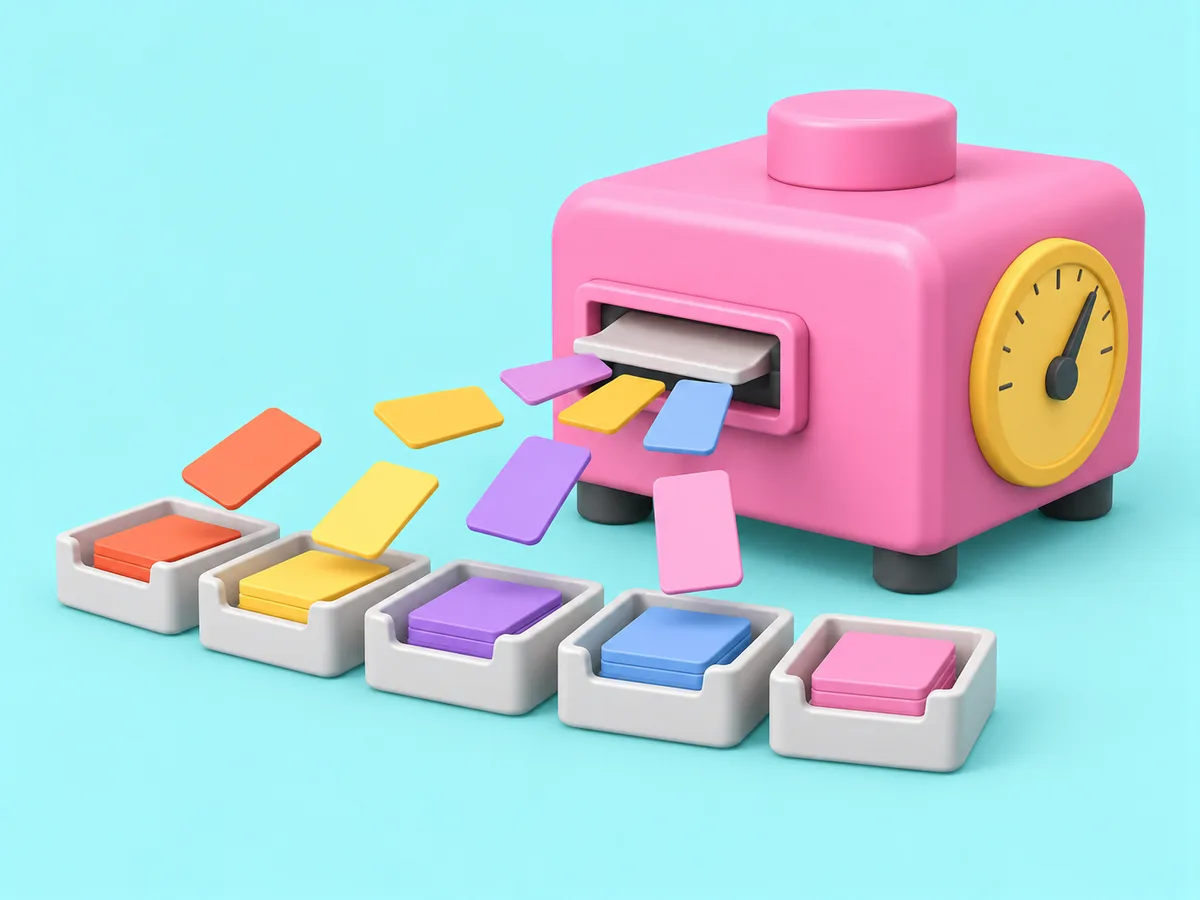
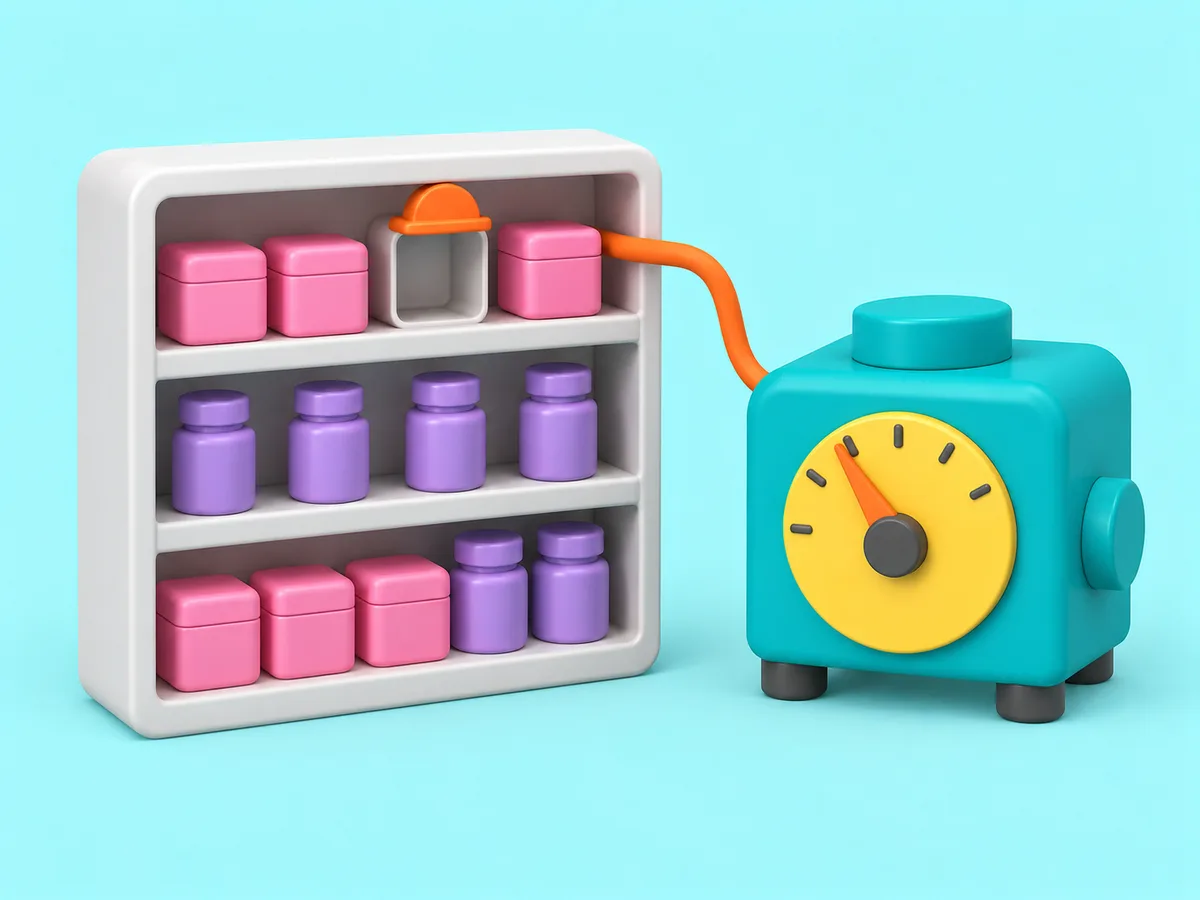
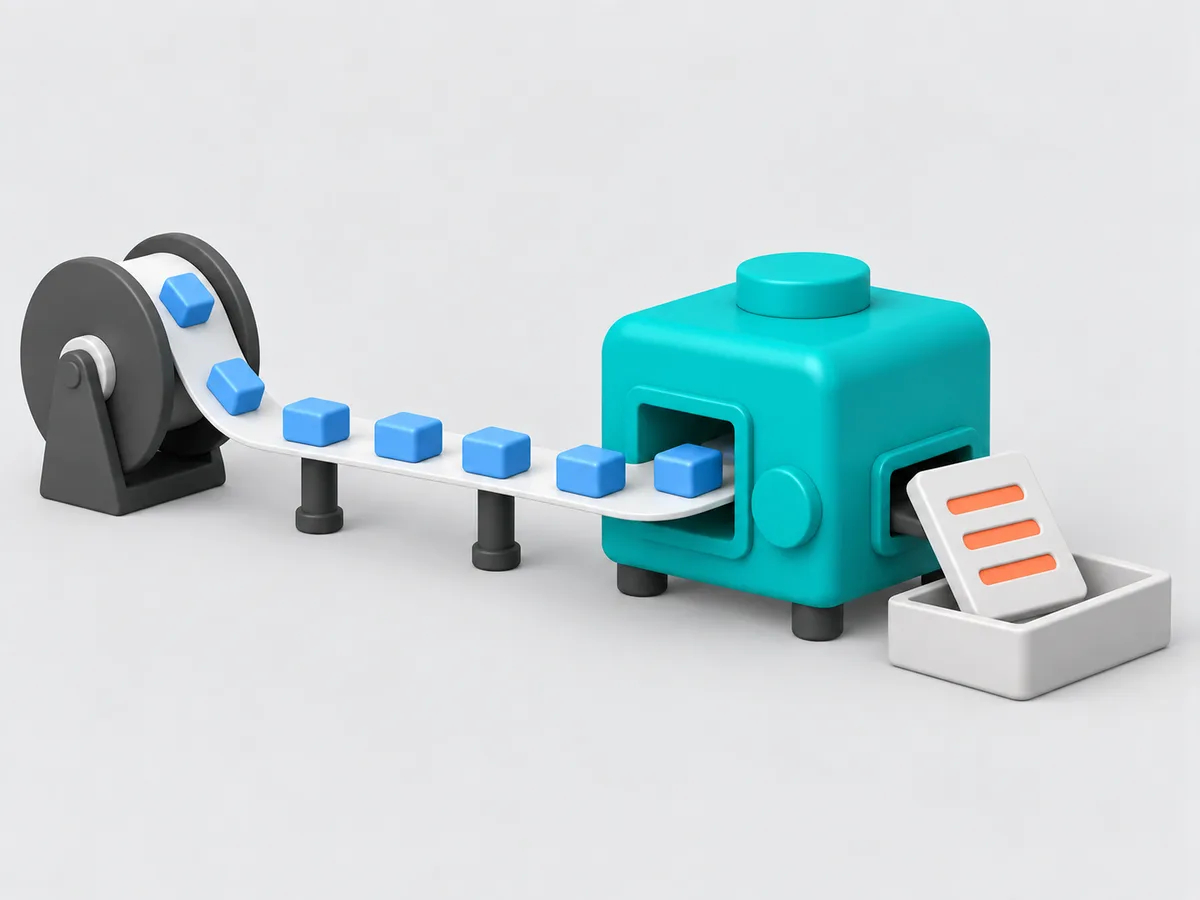
Related tools, and how a connection stays in its room.
Get started
Hire your first AI teammate.
We take on a few firms at a time and set each AI teammate up with the firm that owns it.
Sign up