
Integrations · Design
Figma, read by your AI teammate.
Comments gathered, frames listed, the design review summarised in the client's channel. The file stays the designer's. The status stops being a question.
 FigmaYour AI teammate reads the file, gathers the comments, reports the state of the design.Figma connected
 ✓Reading comments in the Figma file
 Acme homepage · comments
 PricingShow the annual price firstUrgentMia's list ✓HeroMake the button biggerOpenMia's list ✓FooterAdd LinkedInOpenMia's list ✓
Client feedback, never lost in comments.
Comments in the file become a to-do list with an owner, and the client hears back when every one of them is fixed.
Every comment, on the list.
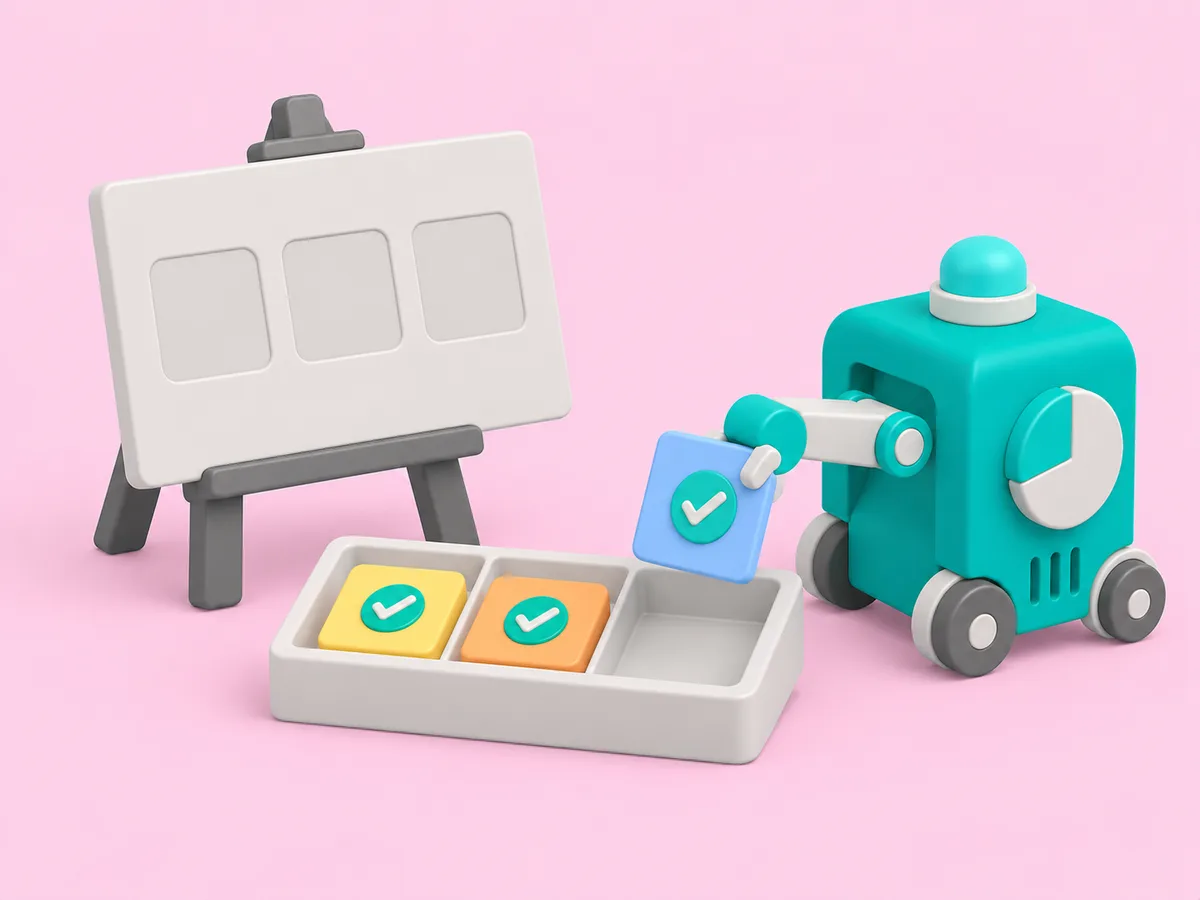
What an AI teammate does with it.
Reading and reporting from day one. Actions that change something wait for your yes on that job.
- Reads pages, frames and comments
- Summarises a design review
- Posts open comments with owners
- Links the frame a client asks about
- Reports what changed since last week
In the client's channel.
Fictional clients. Real shape of the work.
Live in three steps.
No integration project. A minute, and the AI teammate is working.
Find it
Pick the tool from the list, or ask the AI teammate to connect it.
Place it
With the whole firm, with one AI teammate, or with one client. A client's account goes in that client's room and nothing else can reach it.
Done
The AI teammate gets to work and reports back. Change or remove the connection any time.
Questions people ask.
Does it edit designs?
No. It reads files and comments and reports on them. Design stays with the designer.
Can a client see another client's files?
Never. A client's Figma is connected to that client's room only.
Related tools, and how a connection stays in its room.
Get started
Hire your first AI teammate.
We take on a few firms at a time and set each AI teammate up with the firm that owns it.
Sign up