
Integrations
Your tools, in every client's room.
Connect the firm's accounts once, or a client's accounts to that client only. AI teammates act through them under your name.
 HubSpot CRM & salesHubSpot CRM & sales
 Inbox & calendar
Gmail
Your AI teammate reads, drafts and files client email.
 Inbox & calendar
Google Calendar
Your AI teammate books, moves and preps meetings.
 Documents & files
Google Drive
Your AI teammate files, finds and reads client documents.
 Documents & files
Google Docs
Your AI teammate drafts and updates documents in your format.
 Documents & files
Google Sheets
Your AI teammate reads, updates and builds client sheets.
 Documents & files
Notion
Your AI teammate reads and updates your Notion workspace.
 Documents & files
Airtable
Your AI teammate reads and updates Airtable bases.
 Projects & tasks
Asana
Your AI teammate keeps client projects current in Asana.
 Projects & tasks
ClickUp
Your AI teammate manages tasks and status in ClickUp.
 Projects & tasks
Linear
Your AI teammate files, triages and reports on Linear issues.
CRM & salesHubSpot
Your AI teammate keeps the CRM honest and reports the pipeline.
 CRM & sales
Salesforce
Your AI teammate reads and updates Salesforce for each client.
 CRM & sales
Apollo
Your AI teammate builds and enriches prospect lists.
 CRM & sales
Your AI teammate drafts posts and researches people on LinkedIn.
 Meetings
Fireflies
Your AI teammate turns transcripts into recaps with owners.
 Meetings
Calendly
Your AI teammate shares links and tracks bookings.
 Support
Zendesk
Your AI teammate triages tickets and reports the queue.
 Marketing & SEO
Google Ads
Your AI teammate reads performance and reports it per client.
 Marketing & SEO
Google Analytics
Your AI teammate pulls the numbers and explains what moved.
 Marketing & SEO
Google Search Console
Your AI teammate tracks rankings and finds the slips.
 Marketing & SEO
Semrush
Your AI teammate runs keyword and competitor research.
 Marketing & SEO
Klaviyo
Your AI teammate drafts campaigns and reports the email program.
 Websites
Webflow
Your AI teammate stages content and pages in Webflow.
 Websites
WordPress
Your AI teammate drafts posts and updates pages in WordPress.
 Finance
Stripe
Your AI teammate reads payments and reconciles revenue.
 Finance
QuickBooks
Your AI teammate builds the monthly pack from the books.
 Contracts
DocuSign
Your AI teammate sends documents for signature and tracks them.
 Engineering
GitHub
Your AI teammate reads the repo to triage, scope and report.
 Commerce
Shopify
Your AI teammate watches the store and reports it weekly.
 Recruiting
Greenhouse
Your AI teammate screens, schedules and reports the search.
 Design
Figma
Your AI teammate reads the file, gathers the comments, reports the state of the design.
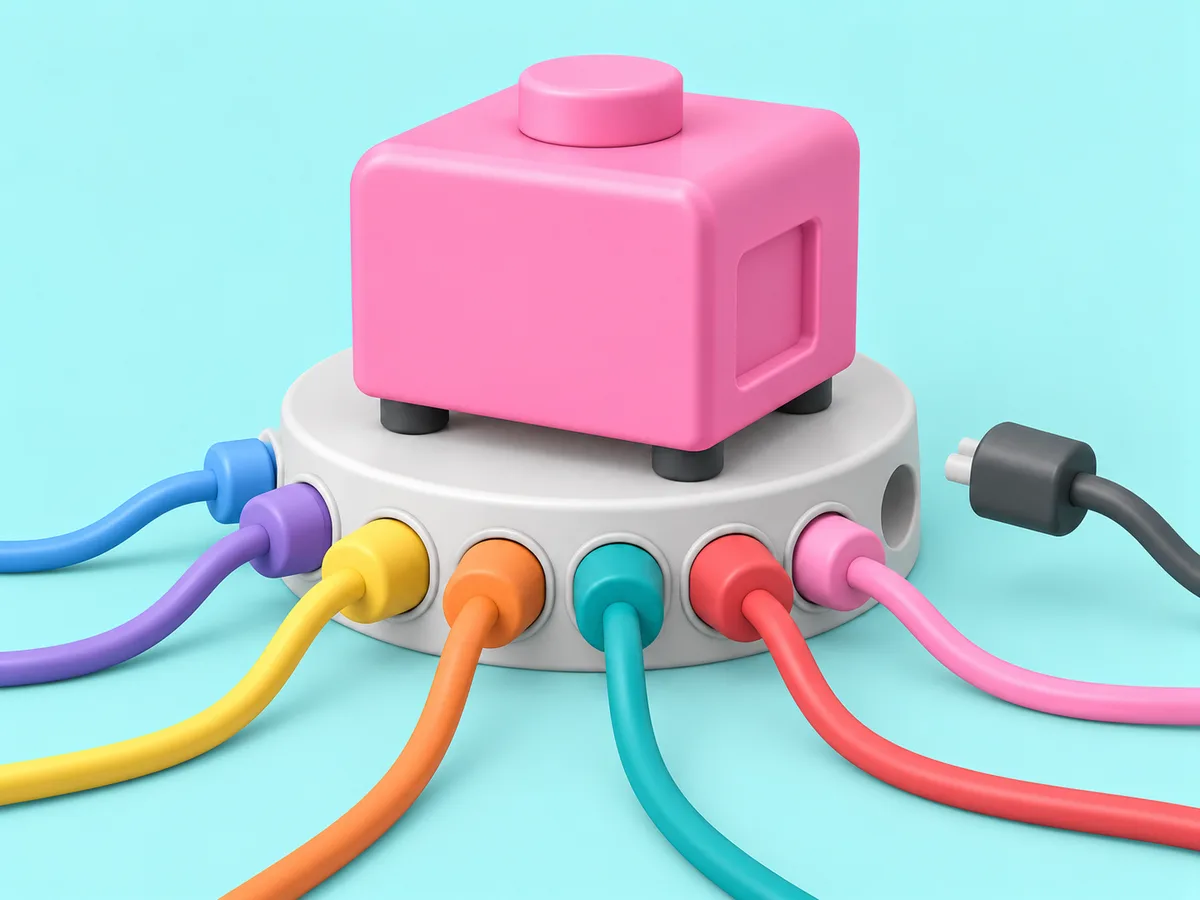
One socket per tool. One room per client.
A connection is placed with the firm, with one AI teammate, or with one client. Where it is placed is the only place it can be called from.
Every tool, one socket each.
Live in three steps.
No integration project. A minute, and the AI teammate is working.
Find it
Pick the tool from the list, or ask the AI teammate to connect it.
Place it
With the whole firm, with one AI teammate, or with one client. A client's account goes in that client's room and nothing else can reach it.
Done
The AI teammate gets to work and reports back. Change or remove the connection any time.
Questions people ask.
What does connecting a tool actually do?
It lets an AI teammate act in that tool under the account you connected: read, draft, update, report. The credential is held in a key vault and added at the network edge when the AI teammate calls the tool. It is never inside the AI teammate's sandbox.
Can I connect a client's own accounts?
Yes, and that is the normal case. A client's HubSpot, ad account or mailbox is placed in that client's room and can only be called from there.
What if my tool is not on this list?
The catalog behind the connect flow holds over a thousand apps; these are the ones service firms connect first. Anything with an API can be reached, and a tool with an MCP server can be registered as your own.
Does an AI teammate change things in my tools by itself?
Reading and reporting from day one. Actions that change something, like sending an email or moving a deal, wait for your yes until you decide that job no longer needs it.

Get started
Hire your first AI teammate.
We take on a few firms at a time and set each AI teammate up with the firm that owns it.
Sign up