
Integrations · Documents & files
Google Docs, written by your AI teammate.
Proposals, recaps, briefs and reports drafted in your template, in the client's Doc, ready for your edit rather than your retype.
 Google DocsYour AI teammate drafts and updates documents in your format.Google Docs connected
 ✓Reading the kickoff notes in Docs
 Meridian proposalDraftShared with Jo ✓
First drafts already in your format.
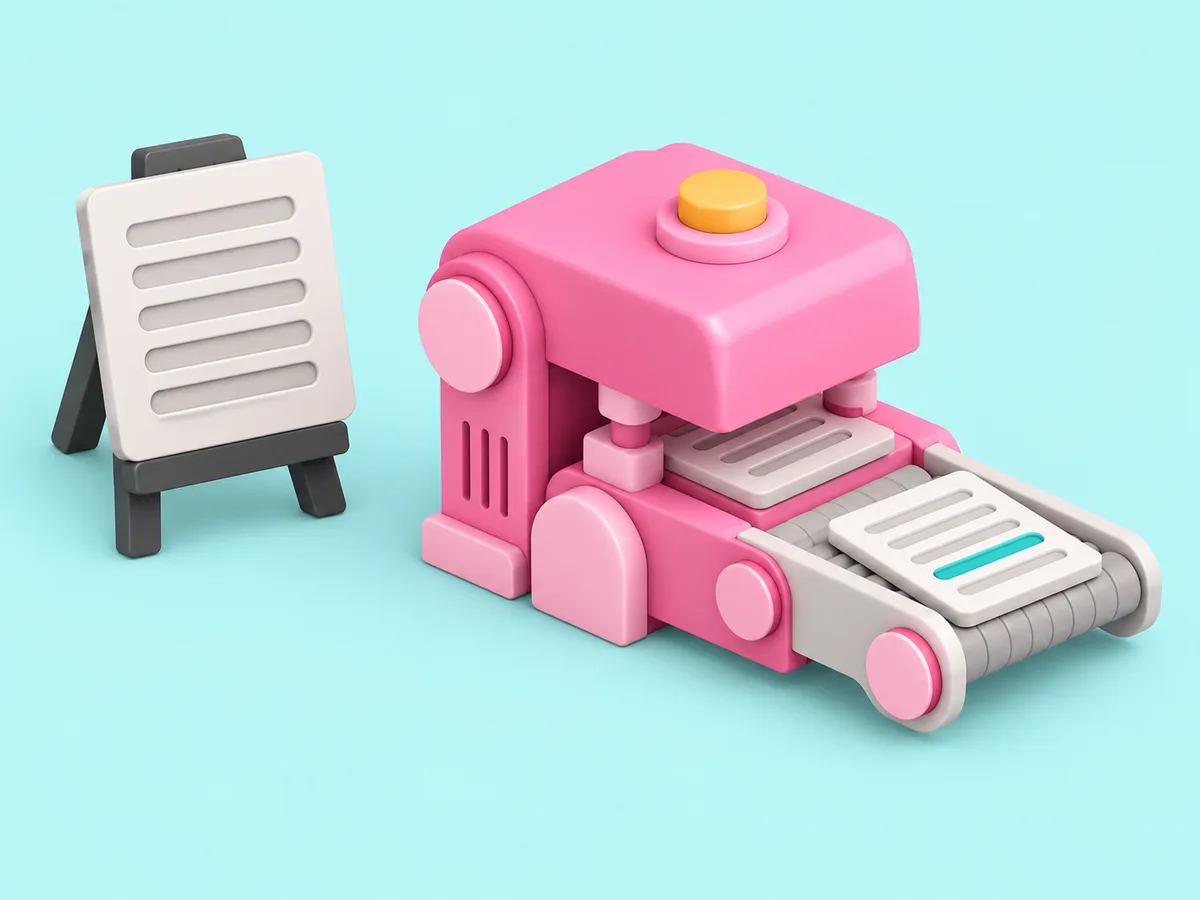
Proposals, recaps and reports drafted in your template from the notes you already have. You edit them. You never retype them.
Drafted in your format.
What an AI teammate does with it.
Reading and reporting from day one. Actions that change something wait for your yes on that job.
- Drafts from your templates
- Updates a living document on schedule
- Reads and summarises long docs
- Applies your corrections to the format
- Publishes for review before a client sees it
In the client's channel.
Fictional clients. Real shape of the work.
Live in three steps.
No integration project. A minute, and the AI teammate is working.
Find it
Pick the tool from the list, or ask the AI teammate to connect it.
Place it
With the whole firm, with one AI teammate, or with one client. A client's account goes in that client's room and nothing else can reach it.
Done
The AI teammate gets to work and reports back. Change or remove the connection any time.
Questions people ask.
Does it follow our template?
Yes. Teach it the template once and correct the first draft. Every draft after that follows it.
Can the client edit alongside it?
Yes. A Doc is a shared document. Ask for a change in the channel and the AI teammate makes it there.

Related tools, and how a connection stays in its room.
Get started
Hire your first AI teammate.
We take on a few firms at a time and set each AI teammate up with the firm that owns it.
Sign up