
Integrations · Support
Zendesk, worked by your AI teammate.
Tickets triaged and drafted by your rules, escalations flagged in the client channel, the weekly queue report posted before anyone asks.
 ZendeskYour AI teammate triages tickets and reports the queue.
 HubSpot CRM & salesHubSpot CRM & sales
What an AI teammate does with it.
Reading and reporting from day one. Actions that change something wait for your yes on that job.
- Triages and tags new tickets
- Drafts replies in the client's tone
- Escalates by your rules
- Posts the weekly queue report
- Finds the ticket a question is about
In the client's channel.
Fictional clients. Real shape of the work.

Live in three steps.
No integration project. A minute, and the AI teammate is working.
Find it
Pick the tool from the list, or ask the AI teammate to connect it.
Place it
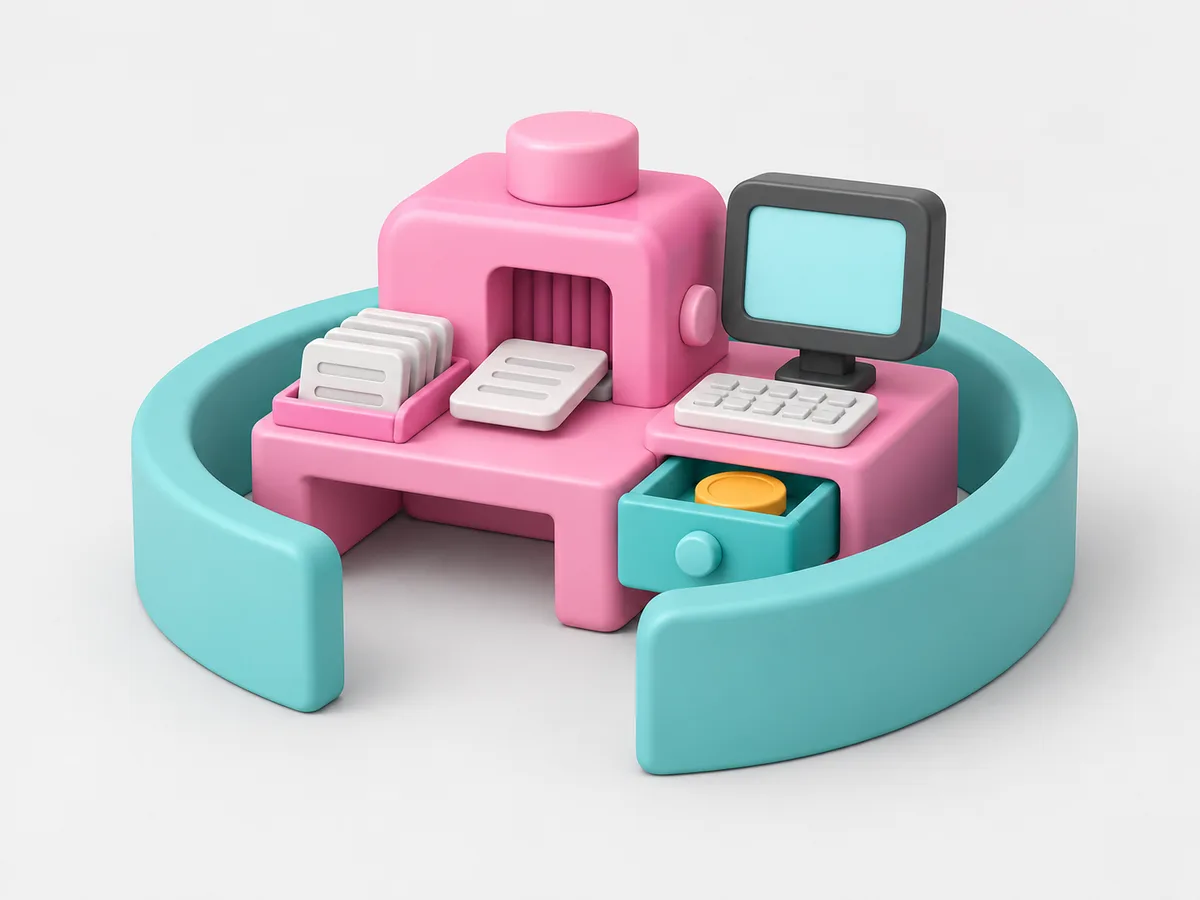
With the whole firm, with one AI teammate, or with one client. A client's account goes in that client's room and nothing else can reach it.
Done
The AI teammate gets to work and reports back. Change or remove the connection any time.
Questions people ask.
Does it reply to customers?
It drafts. Sending starts when you allow it for low-risk ticket types.
One client's tickets in another's report?
Never. A client's Zendesk is connected to that client's room only.

Related tools, and how a connection stays in its room.
Get started
Hire your first AI teammate.
We take on a few firms at a time and set each AI teammate up with the firm that owns it.
Sign up